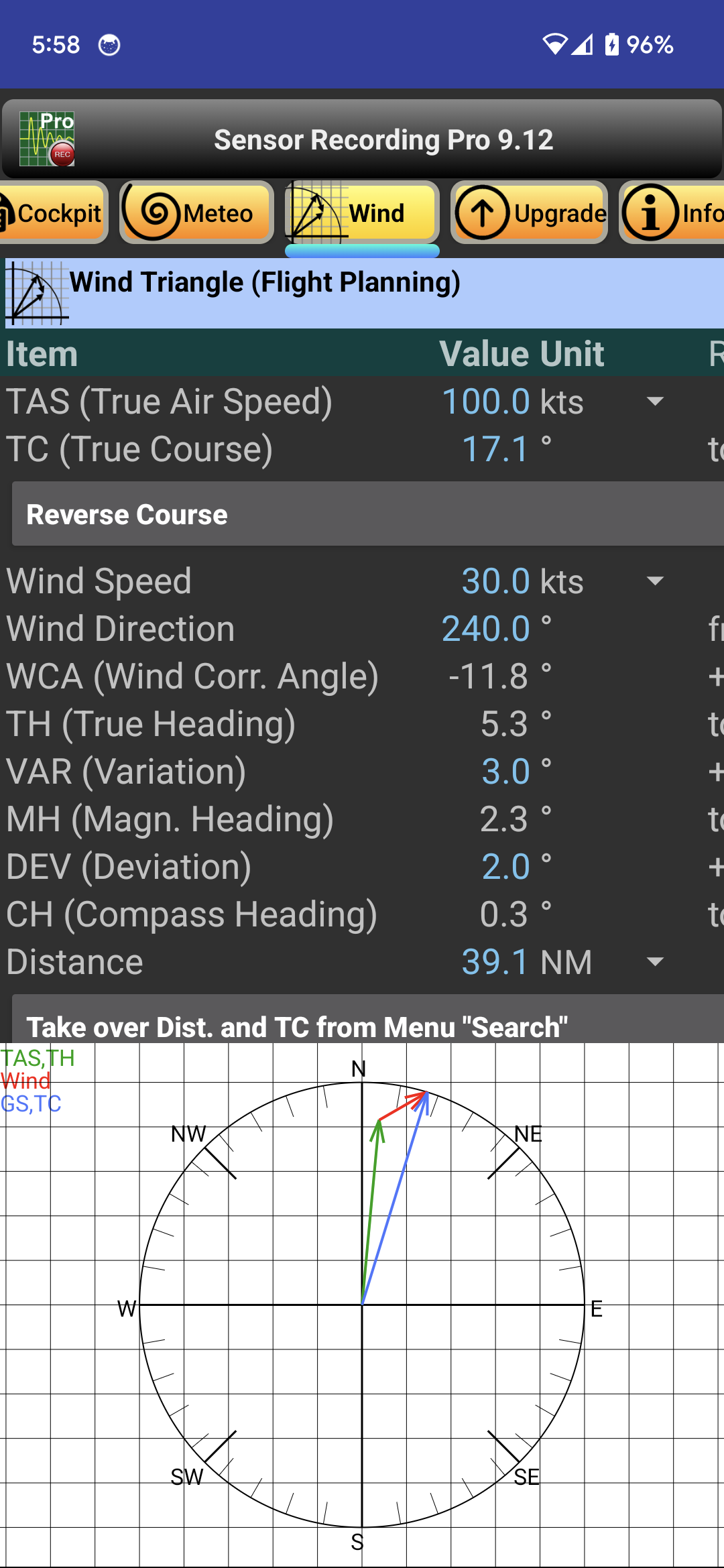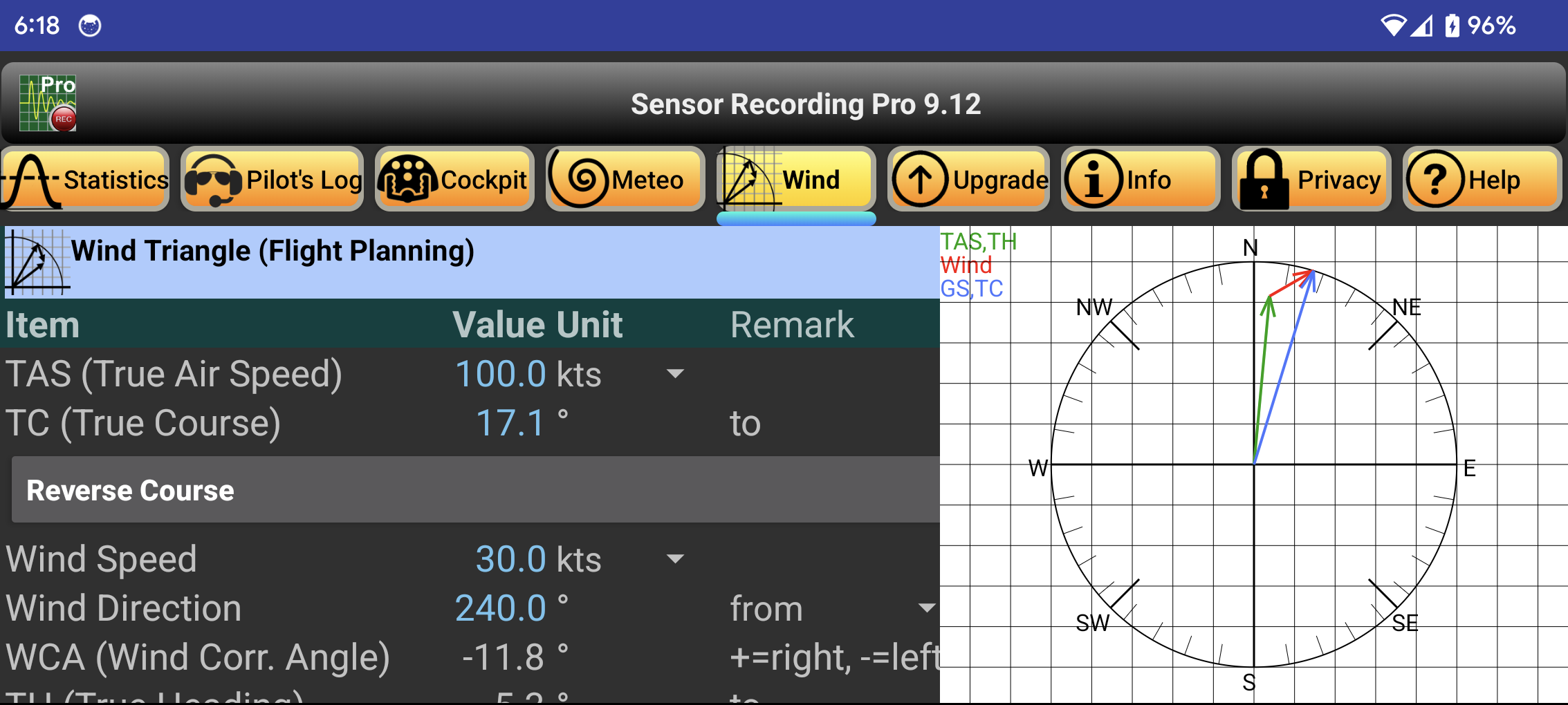

First you enter the desired cruising speed of the aircraft in the "TAS" (True Air Speed) input field. Course and distance to the destination are entered in "TC" (True Course) and "Distance". The wind data goes into the fields "Wind Speed" and "Wind Direction". The variation ("VAR") is taken from the ICAO map, the deviation ("DEV") and the "Fuel Consumption" from the flight manual. Btw: Input fields are marked as blue text, calculated values are displayed in white color. In addition, the speed vectors are visualized in a graphic.
All displayed values can be taken over 1:1 into the flight execution plan. The Units for speed, distance and fuel consumption can be changed as required, e.g. kts or km/h.
The button "Reverse Course" rotates the TC by 180° to toggle between outward and return flights. If necessary, the value of DEV still needs to be adjusted. If you have determined the distance and bearing beforehand between two points using the menus "Map" and "Search", you can use the button "Take over Distance and TC from Menu Search" to adopt the values mentioned: Distance ==> Distance and Bearing ==> True Course.
Instead of aviation, the app can also be used in seafaring. In this case, the wind is replaced by the current. Usually the wind direction is indicated by "from" the current in contrast by "to" - thus opposite by 180°. This operating philosophy can also be switched over. The displayed value changes accordingly.