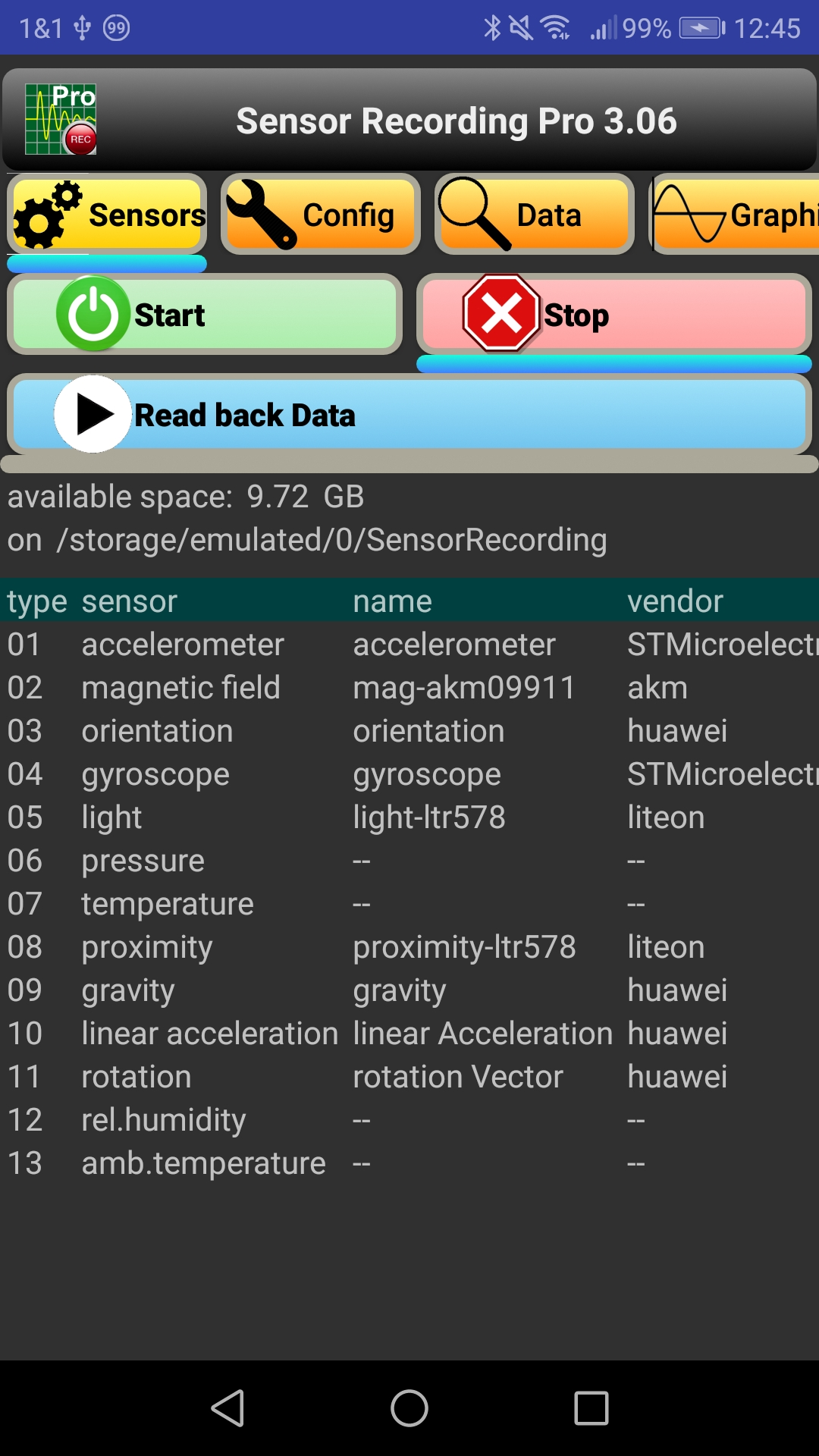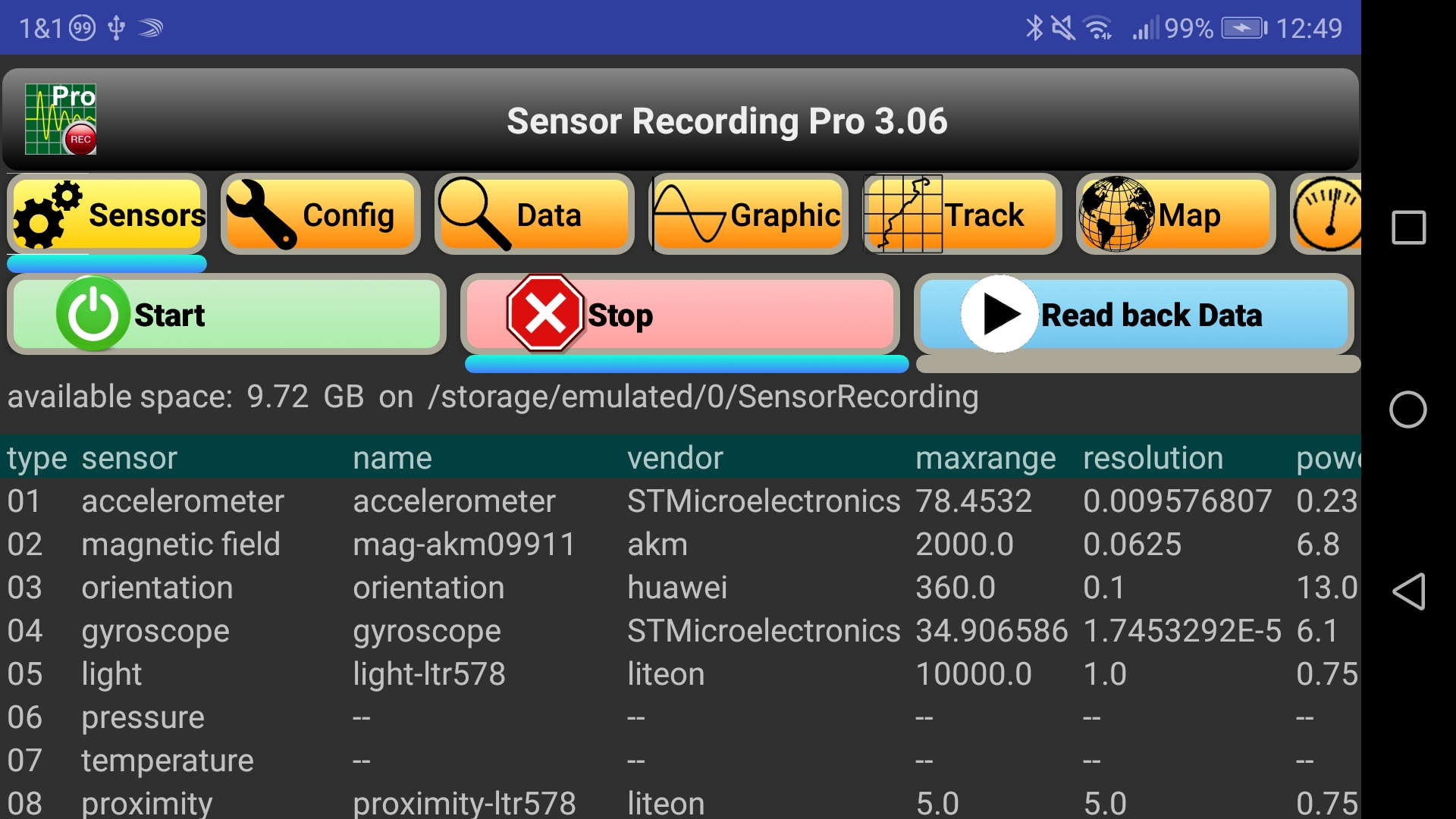

Two buttons labelled "Start" and "Stop" activate and deactivate the sensor data recording in the background. Recording can also be stopped via the notification. Once started, it remains activated, even if the app is closed or the phone is switched to standby mode. In the stopped mode, there is another button "Read back Data", with which previously recorded data can be reloaded into the memory.
Below these buttons, the free storage space and the data path are displayed.
A table shows the list of all the sensors available in your smartphone, including sensor type, name, manufacturer, maximum value, resolution, power consumption, version, class, and possibly minimum delay. The sensor list is also written to the ASCII file "SensorProperties.csv". Every read/write process on the storage will be indicated by a short text message.
From version 3.04 there is the possibility of replaying recorded data. The replay data can be displayed in all pages. As of version 8.25, the replay speed can be adjusted in menu "Config" or with the volume controls.
Since version 9.54, several kml files can be read in one go, e.g. for convenient filling of a heat map. (csv files are not intended for this, the risk of an OutOfMemoryError would be too big.) The number of kml files can be limited using a "File Filter". The associated string must meet the rules for a "regular expression", e.g. "2024.*Bicycle" for all cycling tours in 2024. Then, in the file selection spinner the top line is "Read all kml Files with <regular expression>".
Starting with version 9.65, the "File Filter" is also applied to the "Replay Data" list, to keep the amount manageable. The display of "Geogr. Boundaries" in the menu "Map" is also filtered. If only kml files are to be read in, this must now be explicitly specified in the filter, e.g., "2024.*Bicycle.*kml".